The video doorbell that's just a QR code. No wiring. No monthly fee.
A QR code on your door is the whole doorbell. Visitors scan it and reach you by video call or chat — no wiring, no drilling, no monthly fee. Works in any apartment, rental or office.

Greet Visitors Instantly
Visitors scan the QR code at your door and connect with you through an instant video call. No app installation needed on their end.

A Video Doorbell With No Camera, No Wiring, No $200 Price Tag
Traditional smart doorbells cost $100-$300, need drilling, wiring, and WiFi setup. Qoorbell costs nothing to start — print a QR code, stick it on your door, and visitors can reach you by video call or chat.
$0 Hardware, $0 Monthly Fee
No cameras, no batteries, no wiring — and no monthly fee on the Free plan. Your phone is all you need. Print a QR code and you are live.
Setup in 60 Seconds, No Drilling
Create account → Generate QR code → Print → Stick on door. That's literally it. No technician, no tools, no drilling.
Works on Any Door, Even a Rental
Apartment, house, office, warehouse, hotel room — if it has a door, Qoorbell works. No compatibility issues. Ever.
Renter Friendly: Move It Anytime
Moving to a new place? Print a new QR code. No uninstalling cameras. No patching holes in walls. Zero hassle.
Qoorbell vs a Traditional Video Doorbell
3 Steps. 60 Seconds. Done.
No technician. No tools. No WiFi configuration. Here's how simple it really is.
Create Your Free Account
Go to app.qoorbell.com in any browser, or open the Qoorbell app, and sign up free with Google, Apple, Microsoft or your email. It takes about a minute and no credit card is needed.
Print Your QR Code
Create a virtual doorbell and download your unique QR code. Print it on any printer — even black and white — and stick it on your door.
You're Live!
That's it. When someone visits, they point their phone camera at the QR code. You instantly get a video call or chat notification — answer from anywhere on Earth.
One QR, anywhere someone might need to reach you
A Qoorbell doorbell is a sticker, not a device. Print it, stick it where people show up, and they reach you by video or chat — no app for them, no phone number on display.
Your front door
The classic. Visitors scan and you answer from anywhere — at work, on holiday, in the garden.
Read MoreThe poster says
Scan to ring
Buildings & complexes
One QR at the entrance; the visitor picks the flat or the office. No wiring, no intercom panel to maintain.
Read MoreThe poster says
Scan and choose who to call
Your business
On the shutter or the counter. A customer at the door after hours, a supplier at the back — they reach you, not a locked door.
Read MoreThe poster says
Closed? Scan and we’ll answer
Reception & front desks
A clinic, a workshop, a coworking. When nobody is at the desk, the desk still answers.
Read MoreThe poster says
Nobody at the desk? Scan and we’ll come
Your car
On the windscreen. Blocking someone in, lights left on, a scratch — they tell you without ever seeing your number.
Read MoreThe poster says
Need me to move it? Scan here
Your pet’s collar
A tag that calls you. Whoever finds your dog or cat reaches you in seconds, from any phone.
Read MoreThe poster says
I’m lost — help me get home
Things you’d hate to lose
A backpack, a bike, a laptop, a set of keys. A finder scans and talks to you — no name, no address printed.
The poster says
If found, please scan
Short-term rentals
Guests reach their host from the door: check-in, the keys, the Wi-Fi. Change hosts without reprinting anything.
Read MoreThe poster says
Scan to reach your host
Deliveries
At the gate or the warehouse door. The courier announces the parcel and you decide where it goes.
Read MoreThe poster says
Delivery? Scan to let us know
Offices
A studio, a law practice, a suite upstairs. Visitors call from the street door and you answer from your desk.
The poster says
Scan to call us
QR doorbell with Alexa: setup and 10 routine ideas
Qoorbell supports Alexa: your Echo devices chime and announce when someone scans the QR doorbell. How to set it up, what is shared and 10 routines.
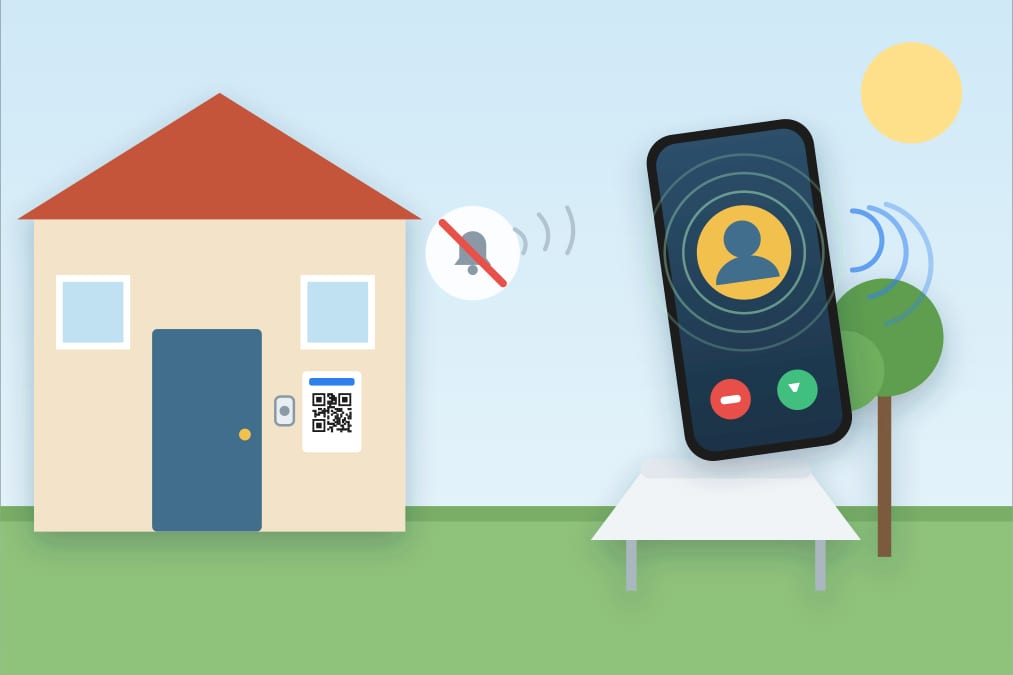
Can't hear your doorbell? 8 fixes from $0 to $50
Can't hear the doorbell in the backyard, garage or basement? 8 fixes ordered by cost, from free checks and your phone to extenders and strobes.
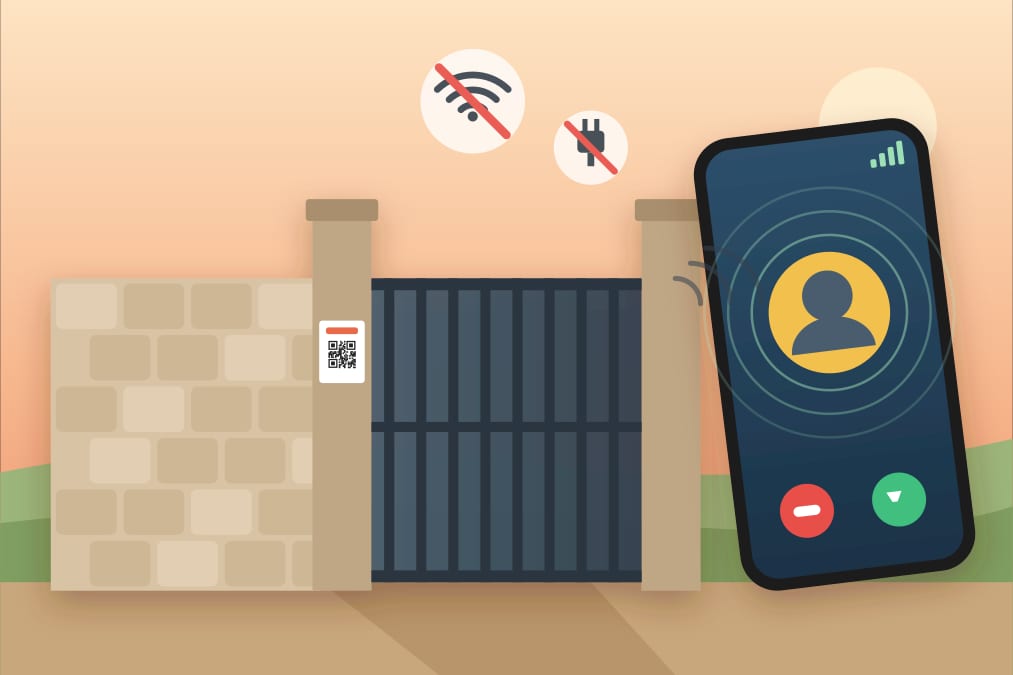
Video doorbell without Wi-Fi or wiring, explained
No Wi-Fi, power or drilling at your door? How a QR video doorbell works, a comparison with wired, battery and 4G doorbells, setup steps and honest limits.
Everything a Video Doorbell Does, Without the Hardware
A complete smart doorbell experience — video, chat, notifications, and more. All from your phone.
Video Calls to Your Phone
See and talk to visitors by live video wherever you are, as long as your phone is online. Your phone becomes your doorbell screen.
Multiple Doorbells for Buildings & Offices
Manage multiple doorbells in buildings, offices, or complexes. Organize by floors, zones, or teams.
Only Someone at Your Door Can Ring
Set boundaries. Only allow doorbell rings from visitors physically near your door. Block remote spam.
Instant Visitor & Delivery Alerts
Real-time push alerts the moment someone rings. Never miss a delivery, guest, or important visit.
QR Code Access - No App for Visitors
Each doorbell gets a unique QR code. Visitors scan with their phone camera — no app download needed.
Chat With Visitors at Your Door
Busy on a call? Visitors can leave you a message. Respond when it's convenient — like texting, but for your door.
Your visitors ring your bell, not steal your data
When someone scans your QR code, they connect with you through Qoorbell — never directly. Your phone number, address, and personal information stay completely private.
No Personal Data Exposed
Visitors never see your phone number, email, or any personal details. They only see your doorbell name.
You Control Who Connects
Accept or decline any ring. Require visitor authentication on paid plans. Block unwanted visitors.
Encrypted Connections
Every video call and chat runs over an encrypted connection. Nothing is recorded unless you start recording yourself while a call is running, and a recording is deleted 7 days later. We do not sell your data — ever.
Video Doorbell Pricing: Free to Start, No Contract
Start free. Upgrade when you need more. No hidden fees, no contracts, cancel anytime.
What You Get on the Free Plan
The Free plan costs nothing and needs no credit card. You get as many virtual doorbells as you need, with video calls, in-app chat and instant push notifications — no monthly cloud fee, no contract, and no hardware to buy. Print a QR code and you are live.
Every plan, the free one included, has unlimited doorbells, people on each doorbell, buildings and groups, rings and chat messages. Paid plans add: no ads, longer video calls, recorded visits, a longer list of who rang, the hours you choose, rings only from your door and knowing who's ringing. Change or cancel anytime.
Free
Calls and history
- Video call length2 min
- Record your visits each month✕
- See who rang7 days
Doorbells
- Know who's ringing✕
- Only people at your door can ring✕
- Choose the hours it can ring✕
- Visitors must keep their camera on✕
Groups
- Know who's ringing✕
- Only people there can ring✕
Extras
- AdsWith ads
Pro
Calls and history
- Video call length5 min
- Record your visits each month20 min
- See who rang30 days
Doorbells
- Know who's ringing✓
- Only people at your door can ring✓
- Choose the hours it can ring✓
- Visitors must keep their camera on✓
Groups
- Know who's ringing✕
- Only people there can ring✕
Extras
- AdsNo ads
Premium
Calls and history
- Video call length10 min
- Record your visits each month150 min
- See who rang90 days
Doorbells
- Know who's ringing✓
- Only people at your door can ring✓
- Choose the hours it can ring✓
- Visitors must keep their camera on✓
Groups
- Know who's ringingUp to 3 groups
- Only people there can ringUp to 3 groups
Extras
- AdsNo ads
Enterprise
Calls and history
- Video call length15 min
- Record your visits each month600 min
- See who rang365 days
Doorbells
- Know who's ringing✓
- Only people at your door can ring✓
- Choose the hours it can ring✓
- Visitors must keep their camera on✓
Groups
- Know who's ringingUnlimited
- Only people there can ringUnlimited
Extras
- AdsNo ads
Building options are set once and work for every door in it.
- Doorbells
- People on each doorbell
- Buildings and groups
- Rings a month
- Chat messages

Virtual Doorbell Questions, Answered
Ready to turn your door into a doorbell?
Print a QR code, stick it on your door, and start taking video calls from visitors in 60 seconds. No hardware, no wiring, no credit card.
Get In Touch
Have questions? We'd love to hear from you. Send us a message and we'll respond as soon as possible.