QR doorbell with Alexa: setup and 10 routine ideas
By Qoorbell Team
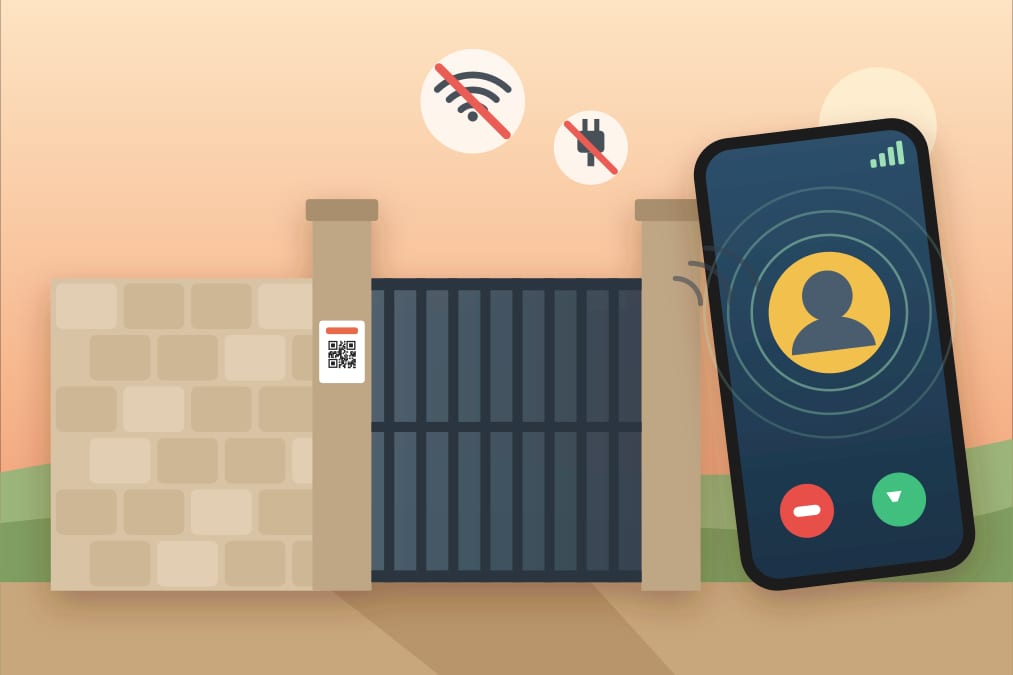
Yes, a QR doorbell can work with Alexa: Qoorbell supports Alexa, so when a visitor scans your door's QR code, your Echo devices chime and announce it, and the ring can start any Alexa routine you like. No hardware, no wiring and no new doorbell to install: you link your account once in the Alexa app and every doorbell shows up there.
This guide explains what a QR doorbell is, what the Alexa integration does (and what it never shares), how to set it up in a few minutes, and 10 routine ideas you can copy today.
What is a QR doorbell?
A QR doorbell is a doorbell made of a printed poster. With Qoorbell, you create a doorbell in the app or on the web in about 30 seconds, print the poster it generates and stick it at your door. The visitor scans the QR code with their phone camera, a page opens in the browser (no app, no account) and your phone rings with a video call or a chat, wherever you are. The visitor never sees your phone number.
Because there is no device at the door, there is nothing to wire, charge or connect to Wi-Fi. If you want the details, read how a video doorbell without Wi-Fi or wiring works.
What the Alexa integration does
- Every doorbell becomes an Alexa doorbell. After linking, each Qoorbell doorbell appears in the Alexa app as a doorbell device, with the name you gave it ("Front door", "Gate", "Office").
- Your Echo devices chime and announce. When someone rings, Echo speakers and Echo Show screens play the doorbell chime and say which doorbell was pressed.
- The ring is a routine trigger. In the Alexa app, "When doorbell is pressed" can start any routine: lights, announcements, music, notifications and more.
- You still answer on your phone. The video call or chat with the visitor keeps happening in the Qoorbell app, as always.
How to connect Qoorbell to Alexa
- Make sure your plan in Qoorbell includes Alexa (Pro and above).
- Open the Alexa app and go to More → Skills & Games.
- Search for Qoorbell and tap Enable to use.
- Sign in to Qoorbell and allow the link.
- Let Alexa discover devices: your doorbells appear under Devices.
- Check that announcements are on for each doorbell, then ring one to test it.
What Alexa receives (and what it doesn't)
| Data | Shared with Alexa? |
|---|---|
| Doorbell names | Yes, so they can show up as devices |
| Time of each ring | Yes, so Echo devices can announce it |
| Video and audio of calls | Never |
| Chats with visitors | Never |
| Call history | Never |
You can unlink the skill from the Alexa app at any time; the doorbells disappear from Alexa and keep working in Qoorbell.
10 Alexa routine ideas for your QR doorbell
All of these are set up in the Alexa app: More → Routines → +, choose When this happens → Smart Home → your doorbell, then add the actions. Exact options depend on your devices.
1. Announce it on every Echo in the house
Add an Announcement action ("Someone is at the front door") so even the Echo in the bedroom or the kitchen tells you.
2. Turn on the porch light at night
Add a smart light or plug action and limit the routine to the hours after sunset, so the visitor is not left in the dark.
3. Flash the lights for a household member who is hard of hearing
Make a smart bulb blink or change color in the living room. It is a simple visual alert for anyone who can't hear the doorbell.
4. Pause the music
Stop audio on the Echo where you are listening, so you notice the ring and can talk.
5. Show a message on Echo Show
Have Alexa say and display which door it is ("Gate"), useful if you have several doorbells.
6. Send a notification to the Alexa app
Add a notification so the people who share the Alexa account also see the ring on their phones.
7. Play a custom sound
Choose a different sound for each doorbell: one for the front door, another for the back gate.
8. Quiet hours
Set the routine to run only during the day, and let a separate night routine just turn on a soft light instead of speaking.
9. Welcome guests at a rental or office
On an Echo near the entrance, play a short message such as "We'll be right with you".
10. Turn on the hallway lights
Light the path from the living room to the door so nobody trips on the way.
Good to know
- To hear the chime and announcements you need at least one Echo device; the Alexa app on your phone is enough for notifications.
- The visitor needs a phone with a camera and internet; your phone needs internet to receive the call.
- Alexa does not show the video: you answer the call in the Qoorbell app.
- Looking for alternatives with no monthly fee? Compare video doorbell alternatives without a subscription.
Frequently asked questions
Do I need an Amazon video doorbell?
No. With Qoorbell, the doorbell is a QR poster at your door. Alexa only adds chimes, announcements and routines.
Which Qoorbell plan do I need?
A plan that includes Alexa, from Pro upwards. The Free plan does not include it.
Can I answer the visitor through Alexa?
No. Alexa tells you someone is at the door; you talk to the visitor in the Qoorbell app.
Create your free doorbell and connect it to Alexa when you are ready.
- doorbell that works with Alexa
- Alexa doorbell routines
- QR doorbell
- Echo doorbell announcement