- Airbnb
- self check-in
- short-term rental
- hosting
Airbnb self check-in: how to welcome guests when you're not there
By Qoorbell Team
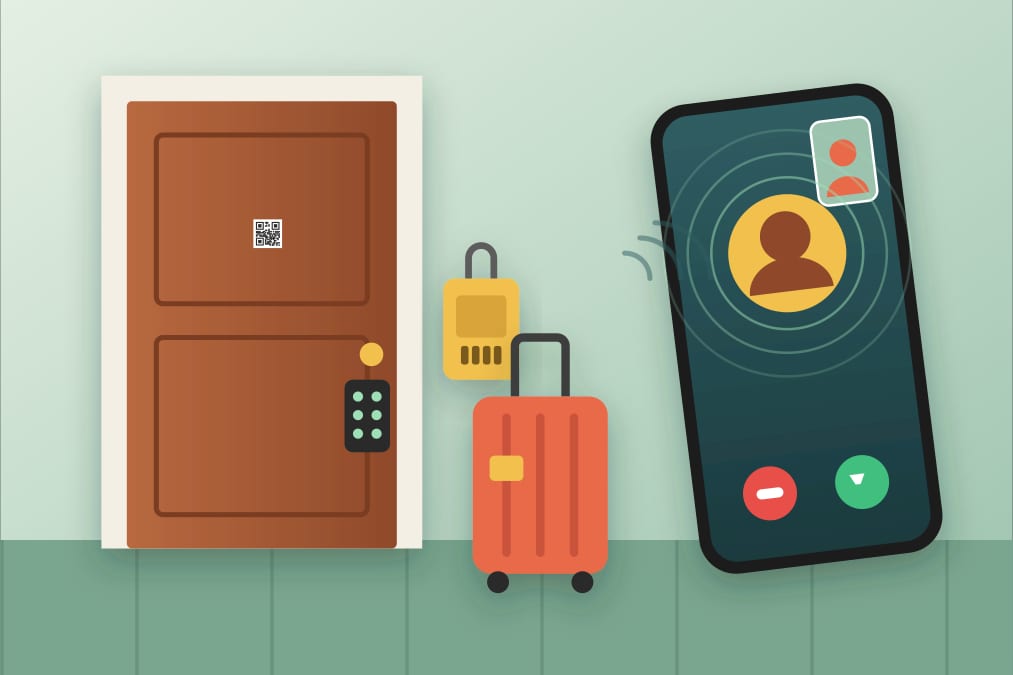
Your guest has just landed after a long trip. It's late, it's raining and they are standing in a street they've never seen, phone at 8% battery, looking for a door that matches a photo in your message. You are at work, at dinner or in another city. How the next five minutes go decides whether the stay starts with relief or with a frustrated message. This guide covers the self check-in options hosts use on Airbnb, Booking, Vrbo and similar platforms, how to write arrival instructions that actually work, and what to do when a guest can't get in.
Self check-in options: honest pros and cons
Lockbox
A small box with a combination that holds the key. It's cheap, needs no batteries or Wi-Fi and is easy to install.
- Pros: low cost, works with any existing lock, nothing to charge.
- Cons: if the code is never changed, every former guest still knows it; the key can be lost or not returned; in some buildings you can't attach it to shared areas, and a visible lockbox can signal that the property is a rental.
Smart lock
A lock you control from an app, often with a code or a temporary digital key for each booking.
- Pros: a different code per stay, access history, no physical key to hand over.
- Cons: higher price, batteries that run out at the worst moment, dependence on the app and sometimes on Wi-Fi; not every door or building allows replacing the lock.
Keypad lock
A lock with a number pad, without necessarily being connected to the internet.
- Pros: no key, simple for guests, fewer technical points of failure than a connected lock.
- Cons: you have to change the code yourself between stays, and it still needs batteries.
Concierge or front desk
In some buildings a doorman, a reception desk or a nearby shop can hold the keys.
- Pros: a human face, help with luggage and directions.
- Cons: limited hours, it depends on someone else's goodwill, and late arrivals can be left waiting.
Meeting in person
The classic option: you or a co-host welcome the guest.
- Pros: the warmest welcome, you can explain the home and solve doubts on the spot.
- Cons: flights and trains are delayed, and waiting for an arrival can eat your whole evening.
Many hosts combine two of these: for example a keypad on the apartment door plus a plan B in case something fails.
How to write arrival instructions that work
Good instructions are written for a tired person in an unknown place, possibly in a language that isn't their own. Some tips:
- Step by step, in order. From the street to the sofa: which corner, which door, which floor, which flat.
- Photos of every key point. The building front, the entrance door, the lockbox or keypad, the right door on the landing. A photo saves a lot of explanation.
- Visible landmarks. "The green door next to the bakery" is better than a street number that is hard to see at night.
- Building access. If there is a gate, an intercom or a lift that needs a key, explain each one separately.
- Wi-Fi and essentials. Network name and password, how to turn on the hot water and the heating or air conditioning.
- Parking. Where they can and can't park, and whether there is a garage with its own access.
- Who to contact if something fails, and how.
Keep the instructions short and test them yourself: walk the route reading only what you wrote, or ask a friend to try it.
Timing and communication
- Send the instructions a day or two before arrival and repeat the essentials on the day, so the guest doesn't have to dig through old messages.
- Ask for an approximate arrival time and make clear what happens if they arrive very late.
- Confirm that the code works and that the place is clean and ready before they arrive.
- After arrival, a short message ("Did you get in all right?") shows you're there without being intrusive.
Common mistakes
- Instructions that only make sense to someone who already knows the building.
- Never changing the lockbox or keypad code.
- Smart lock batteries that are never checked.
- Not mentioning the street gate or the intercom, only the apartment door.
- Not having a plan B when the guest can't reach you.
When the guest can't find the entrance or the key
It happens even with the best instructions. When it does:
- Stay calm and ask where exactly they are, ideally with a photo of what they see.
- Guide them with landmarks rather than repeating the address.
- If the code doesn't work, check that they are entering it correctly and on the right box or lock.
- Have a backup: a spare key with a trusted neighbour or co-host, or a way to open remotely.
- Afterwards, improve the instructions with whatever caused the confusion.
The hardest part is usually seeing what the guest sees. A video call solves that in seconds.
Safety and privacy
- Change codes between stays, and don't reuse the same code everywhere.
- Don't put your personal phone number on visible notes, the door or in public listings.
- Don't leave signs that announce "rental apartment, key here".
- Keep the platform's messaging for bookings, and give each guest only the information they need.
Many of these habits are also good basic home security; we cover more in our low-cost home security tips.
A QR doorbell for check-in: your guest calls you without your number
With Qoorbell you place a QR code at the apartment door or at the building gate. When the guest arrives, they scan it with their phone camera and video-call you, with no app to install. Meanwhile:
- You see where they are and can guide them live to the right door, the lockbox or the keypad.
- You can check who is there before giving any code.
- Your phone number stays private: the call reaches your phone without it being shown.
- You can share the doorbell with a co-host or cleaner so whoever is available answers.
If your apartment is in a building with several units, the building directory lets the guest find your door in the list and call you directly.
Frequently asked questions
What is the best self check-in option?
There isn't one for everyone. A keypad or smart lock with a different code per stay is very convenient; a lockbox is cheap but needs more discipline with codes. The important thing is having a plan B.
Does the guest need an app to call me with the QR?
No. They only need their phone camera to scan the code and an internet connection.
Do I have to give the guest my phone number?
Not to ring you at the door: the QR doorbell connects the call without showing your number.
Does it replace the lock or the lockbox?
No. Qoorbell doesn't open doors; it lets the guest reach you so you can help, guide or verify who is there.
Conclusion
A good self check-in combines a reliable access method, clear instructions with photos, timely communication and a plan B. Add a way for your guest to reach you at the door without exposing your number: create your free QR doorbell and put it at the entrance of your rental.