- small business
- after hours
- customer service
- QR doorbell
How to Serve Customers When Your Business Is Closed or You're Away From the Counter
By Qoorbell Team
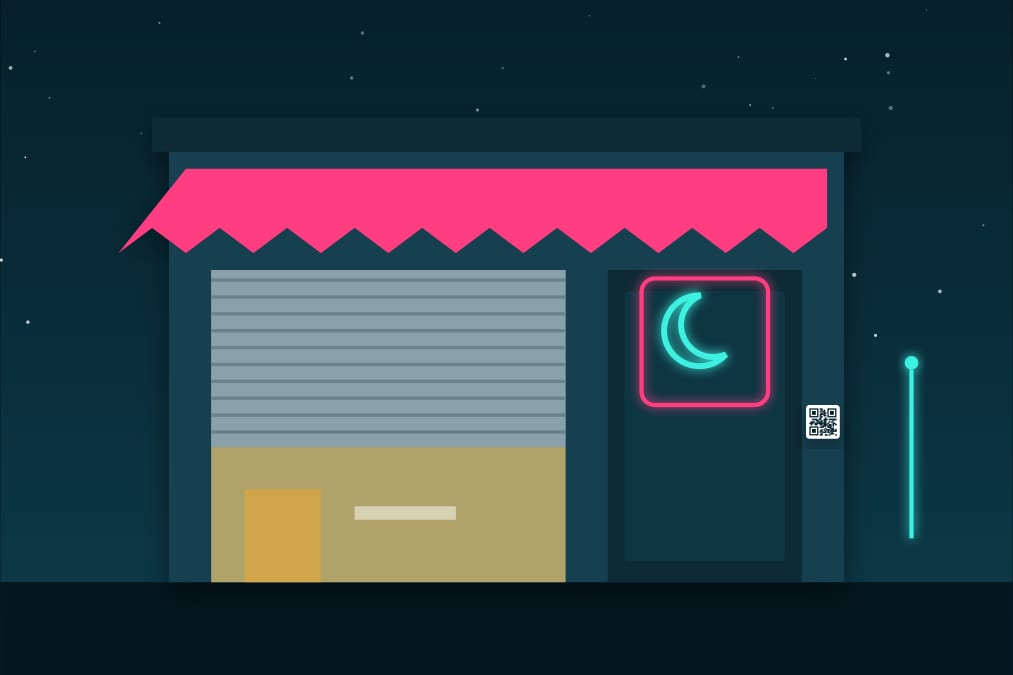
A customer arrives at your shop ten minutes after closing. A courier brings a package while you are in the back room. A client knocks on the office door during lunch. In a small business, there are many moments when nobody is at the counter, and each one can become a lost sale or an annoyed customer.
This guide covers practical ways to attend customers when your business is closed or you are away from the counter, without being glued to the door all day.
Why it matters
Small teams cannot staff the counter every minute. The owner is also the buyer, the accountant and the delivery person. When a customer finds a closed door and no way to reach anyone, many simply go somewhere else. Giving them a simple way to reach you, even when you are not there, is part of good service.
1. A clear sign with your hours
It sounds obvious, but a visible sign with your opening hours, the days you close and what to do if the door is closed solves a lot. Keep it up to date, especially on holidays, and match it with the hours on your online listings.
2. Messaging channels
Many businesses answer questions by messaging apps or email. It works well for questions and orders, but it usually means publishing a personal or business number, and customers at the door rarely think of writing; they want to talk to someone now.
3. Pickups and deliveries outside hours
If customers pick up orders, agree on a time slot or use a safe pickup point. For couriers, leave clear instructions: where to leave the package, or who receives it at a neighbouring business.
4. A QR doorbell at the entrance
A QR code at the door lets the customer call you from their phone. They scan it with the camera and start a video call or a chat; the call reaches your phone wherever you are: in the back room, in the warehouse, out running errands or at home after hours.
- Nothing to install: no wiring and no power needed at the door. Print the poster and stick it up.
- Your whole team can answer: share the doorbell with employees so whoever is free picks up.
- Chat when you cannot talk: the customer leaves a message and you reply when you can.
- Quiet hours: decide when the doorbell rings and when it waits until tomorrow.
Useful for shops, offices, workshops, clinics with reception, small hotels and any place where the counter is sometimes empty.
Serve customers without giving out your phone number
Putting your mobile number on the door works, but then you get calls at any hour, your number ends up on lists and it is hard to separate work from personal life. With a QR doorbell, customers reach you through the doorbell and never see your number. You can block anyone who misuses it, pause the doorbell on days off and set quiet hours. If an employee leaves, you remove them from the doorbell, without changing any number.
Tips to get the most out of it
- Place the QR at eye level, next to your hours, with a short line such as "Closed? Scan to call us".
- Protect it from sun and rain with a laminated sheet or inside the glass.
- Answer with a standard greeting and have answers ready for the most common questions: hours, prices, pickups.
- Use a second QR for the back door or the delivery entrance if you have one.
- Test it from a customer's point of view, from outside, at night.
What to say when a customer calls from the door
The first seconds of the call set the tone. Greet them with the name of your business, ask how you can help and be honest about what you can do from where you are. If you are in the back, tell them you will be out in a minute. If the shop is closed, offer a concrete next step: a time to pick up the order tomorrow, a message with the price, or a quick answer to their question. For a courier, tell them exactly where to leave the package or who can receive it. Customers rarely mind that the shop is closed; what bothers them is not knowing what to do.
Frequently asked questions
Does the customer need an app?
No. They scan the QR with the phone camera and the call opens in the browser.
Can several employees answer?
Yes. You share the doorbell with your team, and the call reaches everyone who has it.
Does it cost anything?
You can start for free; the free plan shows ads. Paid plans add extras such as more call minutes.
Does it replace my phone line?
No. It is a way for people standing at your door to reach you. Your usual channels keep working.
Conclusion
A closed door does not have to mean a lost customer. Clear hours, simple pickups and a QR at the entrance that calls your phone let you attend customers when you are not at the counter, while keeping your number private. Create your business's free QR doorbell and put it on your door today.