Set availability hours for a doorbell
Choose the days and times people can ring, what visitors see outside those hours, and which plans include it.
A shop does not want rings at midnight, and a holiday rental may only need its doorbell during check-in. Availability hours let you choose when a doorbell rings; outside those hours visitors are told it is not taking visitors, instead of ringing a phone that nobody will answer.
Which plans include it
Availability hours are included in Pro, Premium and Enterprise. If your plan changes back to Free, the hours you set are kept but ignored: the doorbell is always available until you upgrade again.
Setting the hours
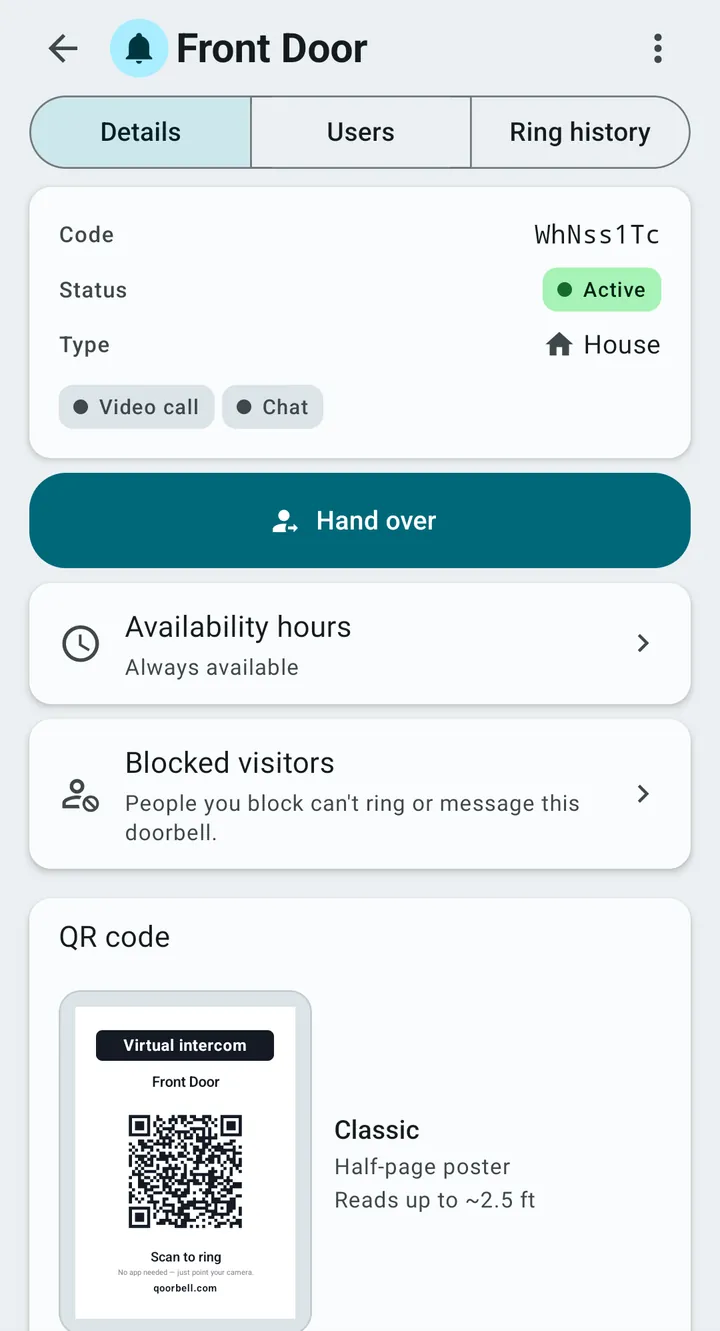
- Open the doorbell and tap Availability hours (it says “Always available” until you change it).
- Switch from “Always available” to “Only during set hours”.
- For each day, add time slots — up to 4 a day — or mark the day as closed. “Copy Monday to all weekdays” saves typing.
- Check the time zone shown under the days. Change it if the doorbell is somewhere else than you are.
- Tap Save hours. The screen then shows the current status, for example “Available now · closes today at 6:00 PM”.
What visitors see outside the hours
You choose one of two behaviours:
- Sees it is not available — they cannot ring.
- Can leave you a message — it reaches your history without a sound, so it does not wake you. This needs chat to be turned on for that doorbell.
A third switch, “Tell them when it is back”, shows the next opening time, for example “Available again tomorrow at 9:00 AM”. Turn it off if you would rather not show your hours, for example on the door of your home.
Who can change the hours
Only the doorbell’s owner can change its hours. Members see them, but cannot edit them. Two time slots on the same day cannot overlap, and each slot has to end after it starts; the screen points out either mistake before saving.
Ideas
- A shop: open hours only, with messages allowed so customers can still ask something.
- An office: weekdays 9 to 6; weekends closed.
- A rental: open all day on check-in days, and closed at night so guests are not tempted to ring at 3 AM.
Hours apply per doorbell. In a building, each resident’s door can have its own hours while the entrance stays available.