- video doorbell without subscription
- Ring alternative
- doorbell cost
- virtual doorbell
Ring Doorbell Alternatives Without a Monthly Subscription (2026 Guide)
By Qoorbell Team
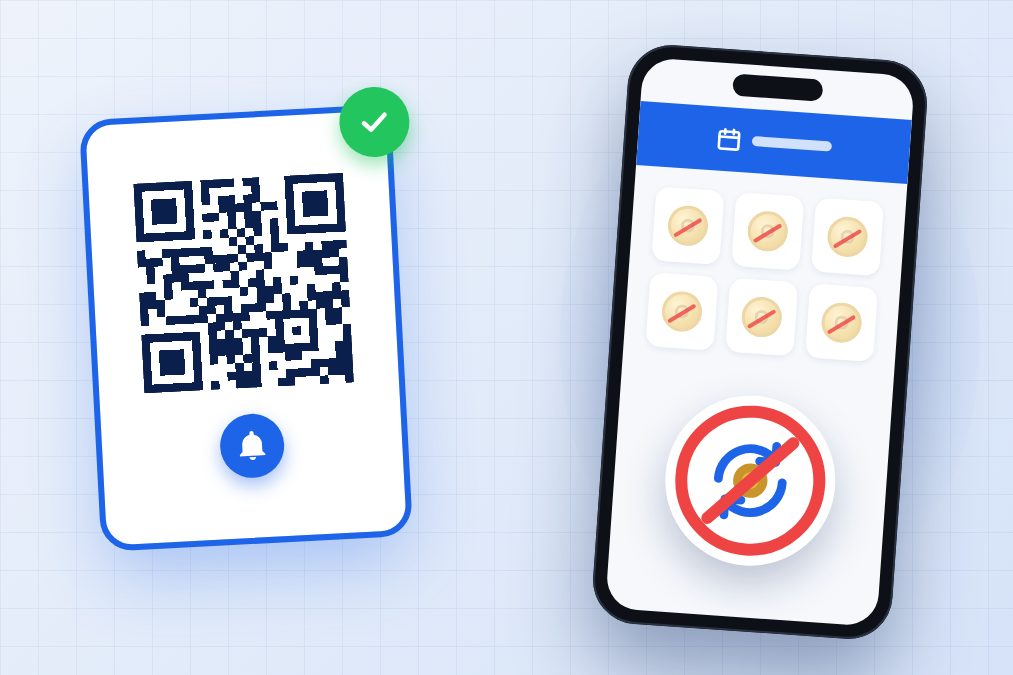
You bought a video doorbell, installed it, and a few weeks later the free trial ended. Suddenly the clips are gone, the history is empty and the app suggests a monthly plan. That plan is not expensive on its own, but it never ends — and it multiplies if you have more than one door.
If you are searching for a Ring doorbell alternative with no subscription, this guide is for you. We cover what you keep and lose without a plan, the four kinds of alternatives, the real cost over three years, and privacy.
Why so many video doorbells come with a monthly bill
Ring is the name most people think of when they hear "video doorbell", and its model is common across the category: you buy the device once, and optional cloud features are sold as a plan. Many video doorbells work this way. The plan typically costs a few dollars a month per device, and it usually pays for things like:
- Cloud recordings: saving video clips so you can watch them later.
- Event history: a timeline of who rang and when, kept for a number of days.
- Smart alerts: notifications that try to tell a person from a car, a pet or a package.
- Snapshots and sharing: still images, downloads or sharing clips with others.
None of this is unreasonable: storing video in the cloud has a real cost. The question is whether you actually need those features, or whether you mostly want to know who is at the door and talk to them.
What you keep and what you lose without a subscription
What usually keeps working
- The doorbell rings and notifies your phone.
- Live view: you can see the visitor in real time when you answer.
- Two-way talk with the person at the door.
What often needs a plan
- Watching what happened while you were not looking.
- Recorded clips and downloads.
- Smart detection and some advanced alerts.
The exact split changes from brand to brand and from year to year, so check the product page before you buy. The useful rule: if you only answer the door live, many features you would pay for every month are features you will rarely open.
Ring doorbell alternatives without a monthly subscription
1. Video doorbells with local storage
Some video doorbells save clips on a microSD card in the device or on a small base station inside the home. You get recordings without paying for cloud storage. The trade-offs: sometimes a higher upfront price, a card that can fill up or fail, and footage lost if the doorbell is stolen with the card inside.
2. Models whose basic features work without a plan
Many video doorbells, including the best-known ones, still ring, show live video and let you talk without any subscription. If you do not care about watching old clips, this can be enough. Before buying, check which features are listed as included.
3. Classic wireless chimes
A battery button outside and a receiver inside. No camera, no app, no Wi-Fi and no monthly fee, ever. They are cheap and reliable, but you only hear them at home, and you cannot see who is there or answer from somewhere else.
4. QR (virtual) doorbells
A printed QR code on your door replaces the device. The visitor scans it with their phone camera and your phone rings with a video call or a chat, wherever you are. There is nothing to install, nothing to charge and no Wi-Fi needed at the door, because the call uses the visitor's phone. The trade-off: it does not record your doorstep continuously like a camera.
How to calculate the real 3-year cost
The price on the box is only part of the story. To compare fairly, calculate the total cost of ownership over three years, which is roughly how long many people keep a doorbell:
- Start with the price of the device and any accessories (chime, mount, memory card, base station).
- Add installation: an electrician, tools or your own time.
- Add the plan: monthly price × 36 months × number of doors.
- Add running costs: batteries, a replacement card, or a replacement if the device is stolen.
Here is a worked example with hypothetical round numbers, not prices of any real product:
- Video doorbell with a plan: $100 device + $4 a month × 36 months = $244. With two doors, the plan alone doubles.
- Video doorbell with local storage: $150 device + $15 memory card = $165, with no recurring fee.
- Classic wireless chime: $30 kit + $5 in batteries = $35, but no video and nothing when you are away.
- QR doorbell: a printed poster and a free plan = about $1 in paper and ink.
Plug in the real numbers from the products you are considering. The pattern usually holds: over three years, a small monthly fee can end up costing more than the device itself.
Privacy and the cloud
A subscription is not only about money. When video goes to the cloud, it is worth asking a few questions:
- Where is the footage stored, for how long, and can you delete it yourself?
- Who in your home can see it, and can you remove access when someone moves out?
- What does the camera capture: only your door, or also the street, the sidewalk and your neighbours?
- What do visitors learn about you: your name, your phone number, your schedule?
Local storage keeps recordings at home. A QR doorbell avoids continuous filming entirely: it only connects when a visitor chooses to scan and ring.
A doorbell with no hardware and no required plan
Qoorbell is a free QR-code video doorbell. You create a doorbell in the app or on the web in about 30 seconds, print the poster and stick it on your door. Visitors scan it with their phone camera — no app and no account needed — and your phone rings with a video call or a chat, at home or anywhere else.
- No wiring, drilling, batteries or Wi-Fi at the door.
- Share it with your household or your team so everyone can answer.
- Visitors never see your phone number.
- Stay in control: block someone, pause the doorbell or set quiet hours.
- Free to start on Android, iPhone and the web. Optional paid plans add extras, but the basic doorbell works without one.
Honest limits: Qoorbell does not record your doorstep 24/7 like a security camera. If you need continuous recording, pair a camera with a QR doorbell, or choose a video doorbell with local storage.
Frequently asked questions
Does a Ring doorbell work without a subscription?
Generally, the basic functions — ringing, live view and two-way talk — work without a plan, while recordings and some advanced features require one. Check the current details on the product page, because plans change over time.
Which video doorbell has no monthly fee?
Look for models that save video locally on a memory card or a home base station, and confirm that the features you need are listed as included without a plan.
Is a QR doorbell safe?
Visitors only reach you through the doorbell; they never see your number, and you can block them, pause the doorbell or set quiet hours.
Can I use a QR doorbell and a camera together?
Yes. The camera records, and the QR doorbell lets visitors call you directly, even if they cannot find the button or the camera is offline.
Conclusion
You do not need a monthly bill to answer your door. If you want recordings, choose a doorbell with local storage. If you only want to hear the door at home, a classic chime is enough. And if you want to see and talk to visitors from anywhere without installing anything, a QR doorbell is the simplest option. Create your free doorbell and put it on your door today.