- HOA gate
- gated community
- condo intercom
- QR doorbell
Doorbell for an HOA or Gated Community: Receive Visitors at the Gate Without a Guard Booth
By Qoorbell Team
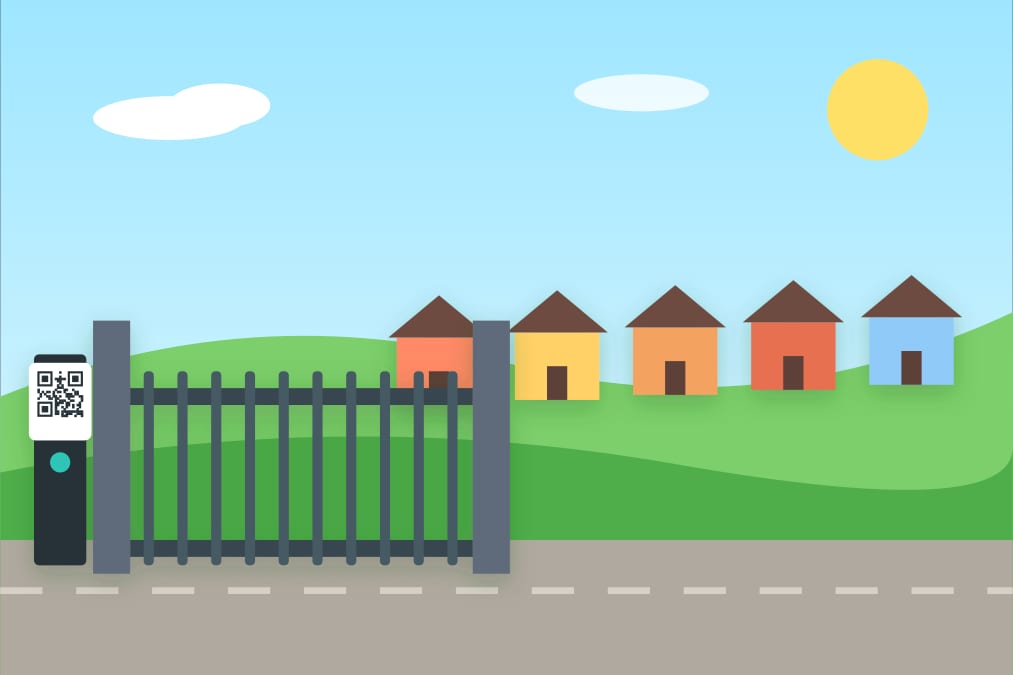
In a gated community, the gate is the first and often the only meeting point between residents and visitors. When there is a guard booth staffed around the clock, the guard calls the home and lets the visitor in. But many communities, condos and HOAs do not have a guard at all hours, or have no guard at all, and the gate becomes a problem: guests waiting outside, delivery drivers who leave, and residents sharing their phone numbers with strangers.
This guide reviews how a community can receive visitors at the gate without a permanent guard booth, what each option involves and how to keep residents' privacy.
The real problem at the gate
A gate has to answer one question quickly: who is this visitor coming to see, and how do they let that person know? In a community with several buildings or many homes, that is harder than at a single front door:
- The visitor may not know the exact unit or house number.
- Residents are often not home, so a handset in the hallway does not help.
- The board has to cover installation, repairs and, if there is one, the cost of staffing the booth.
- Every resident moves in or out at a different time, so any directory goes out of date.
Common options for a gate without a guard
1. Wired or video intercom panel at the gate
A panel with a button or a keypad for each home, connected to handsets inside. It works well in compact communities, but long cable runs to many homes make installation and repairs expensive, and residents can only answer when they are home.
2. GSM or cellular intercom
The panel calls the resident's phone through a SIM card. It removes the cables to every home, but it needs power at the gate, a mobile plan and someone who keeps the phone list updated in the device.
3. Gate access apps and visitor codes
Residents pre-register guests, who receive a code. Useful for planned visits; less so for a delivery or an unexpected visitor who does not have a code.
4. A QR code at the gate with a directory
A printed QR at the gate opens the community's directory on the visitor's phone. They choose the building and the unit, or the house, and start a video call or a chat with that home. The residents answer from their phones wherever they are.
How a QR doorbell works in a community with several buildings
The structure follows the community itself:
- One QR at the main gate for the whole community.
- A directory organized by building and unit, or by street and house.
- Each home rings only its own residents, and everyone who lives there can answer.
- Optional QR at each building's door, so visitors who already got in can call the right unit.
Nothing needs power or cables at the gate: the call runs on the visitor's phone. The poster just needs to be visible, well lit at night and protected from rain.
What it does not do: a QR doorbell does not open the gate by itself. The resident comes out, opens it with their own remote, or the community keeps whatever access control it already has. Think of it as the way visitors announce themselves, not as the lock.
Receive visitors without giving out your phone number
Without a guard, the usual fix is to give your number to everyone who might come: couriers, guests, contractors. Over time, that number ends up in lists and delivery notes you do not control. With a QR doorbell, visitors call your home through the doorbell and never see your number. You can block someone, pause the doorbell when you do not want calls, or set quiet hours. When someone moves out, the administration removes them from the directory.
What the board should check before deciding
- Total cost: equipment, installation, monthly fees and, if relevant, staffing.
- Answering away from home: residents should be able to answer at work or on the road.
- Directory upkeep: who updates it when people move, and how easy it is.
- Night visibility: lighting at the gate and a clear sign.
- Community rules: check your bylaws or HOA rules about signs and changes at the entrance.
Step-by-step setup
- Create a doorbell for the community and add the buildings and units, or the houses.
- Invite the residents of each home so their phones ring.
- Print the poster for the gate and, if you like, one for each building.
- Place it at eye level, with lighting and protection from rain.
- Test a call to a few homes and announce it in the residents' group.
Frequently asked questions
Does the visitor need an app?
No. They scan the QR with the phone camera and the call opens in the browser.
Can it replace a guard?
It replaces the part of the job that is announcing visitors. It does not replace security patrols or access control.
How much does it cost?
You can start for free; the free plan shows ads. Paid plans add extras such as more call minutes.
What if a resident does not answer?
The visitor can leave a chat message, so the resident sees it later.
Conclusion
A gate without a guard does not have to mean lost deliveries and phone numbers taped to the fence. A QR code with a directory of buildings and homes gives every visitor a clear way to reach the right residents, and every resident a way to answer from anywhere. Create your community's free gate doorbell and test it with a few neighbours.